
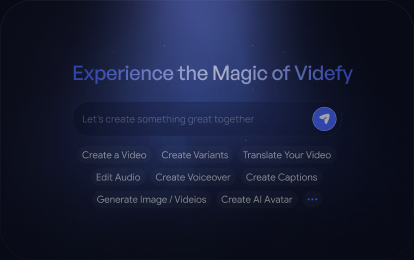
NewTry
Video Creation Platform That Scales
- Idea

- Video
- Video variants
- A/B test
- Scale winners
Create one video. Then create versions for any audience, language, style, look, or format. A/B test what works, then scale the winners.
See the best
Start creating your way








Experience the magic of Videfy
Find something worth recreating
Explore visual styles












Minimalism


Learn with Videfy
Read more
Video Post Production Workflow From Rough Cut to Final Delivery
Explore the video post production workflow from rough cut to final delivery, including sound mixing, color grading, captions, and export.

How to Storyboard a Video From Script to Scene Plan
Learn how to storyboard a video from script to scene plan, including shot framing, camera movement, timing, and revisions before production.

Video Creation Workflow and Where Production Bottlenecks Happen
Explore the video creation workflow from ideation to publishing, discover where production bottlenecks happen, and learn how to reduce delays and rework.

Video Production Process: From Concept to Multiple Final Videos
Explore the video production process from concept to final delivery, including planning, filming, editing, and creating multiple video variations.

Frequently asked questions
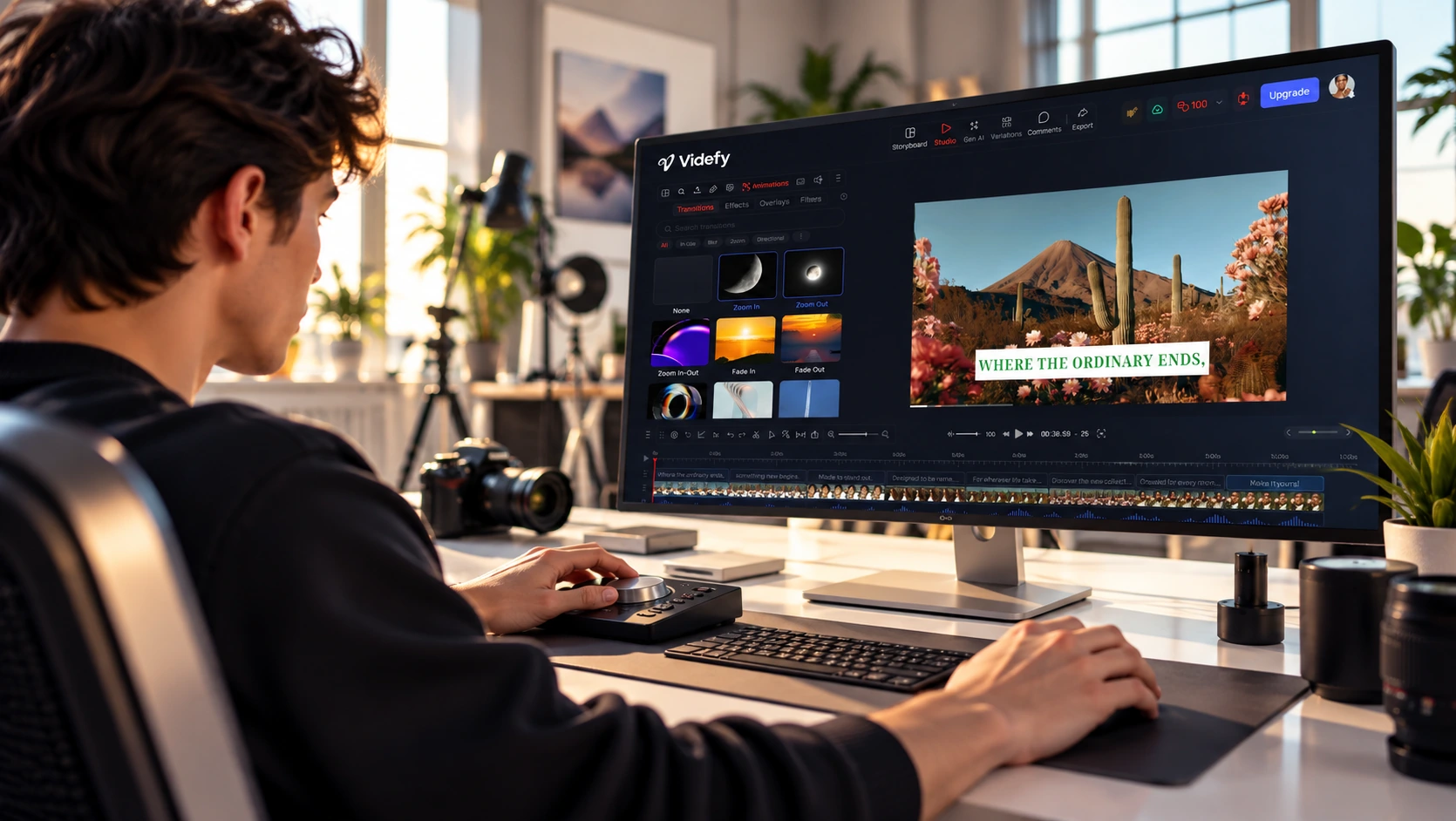
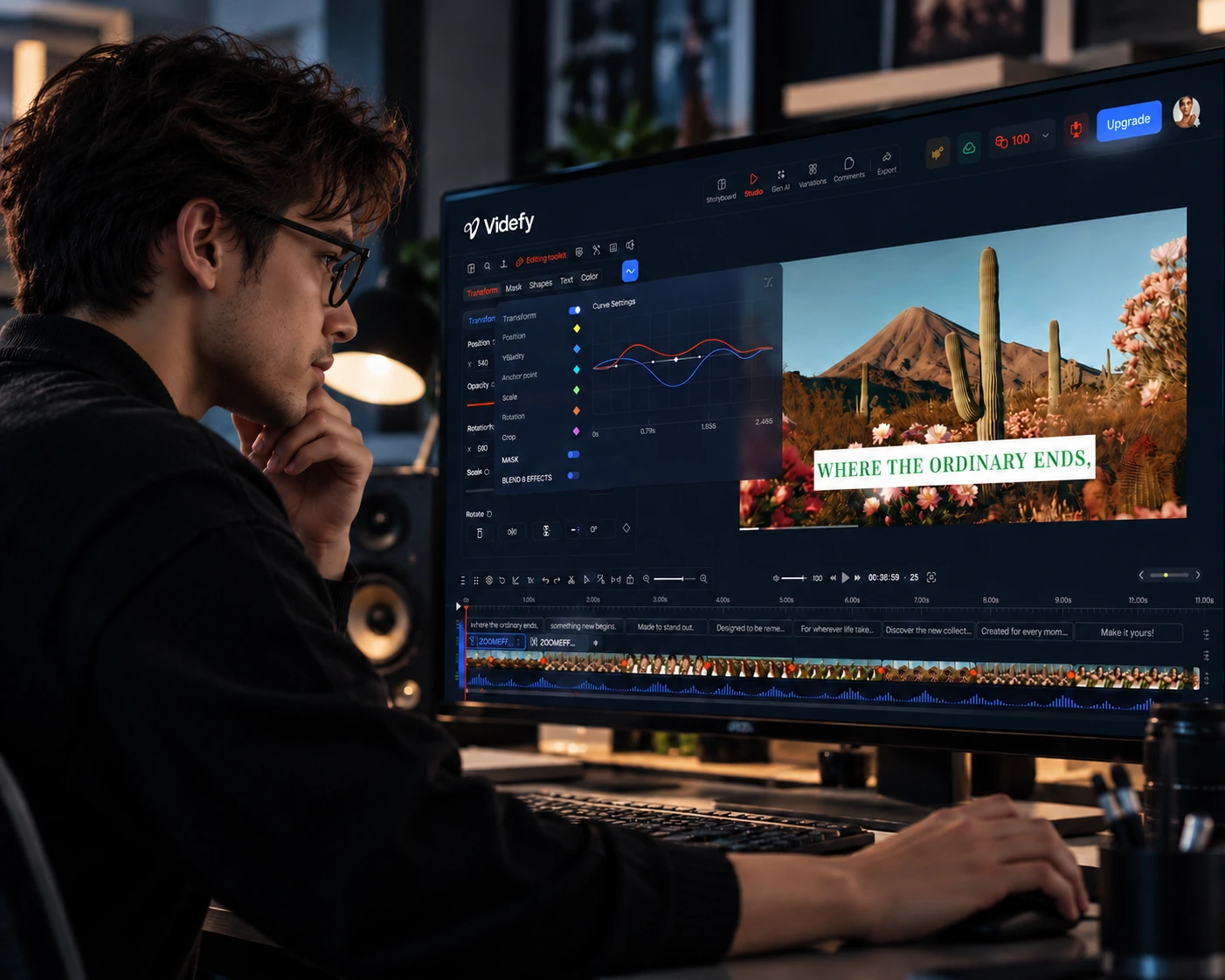
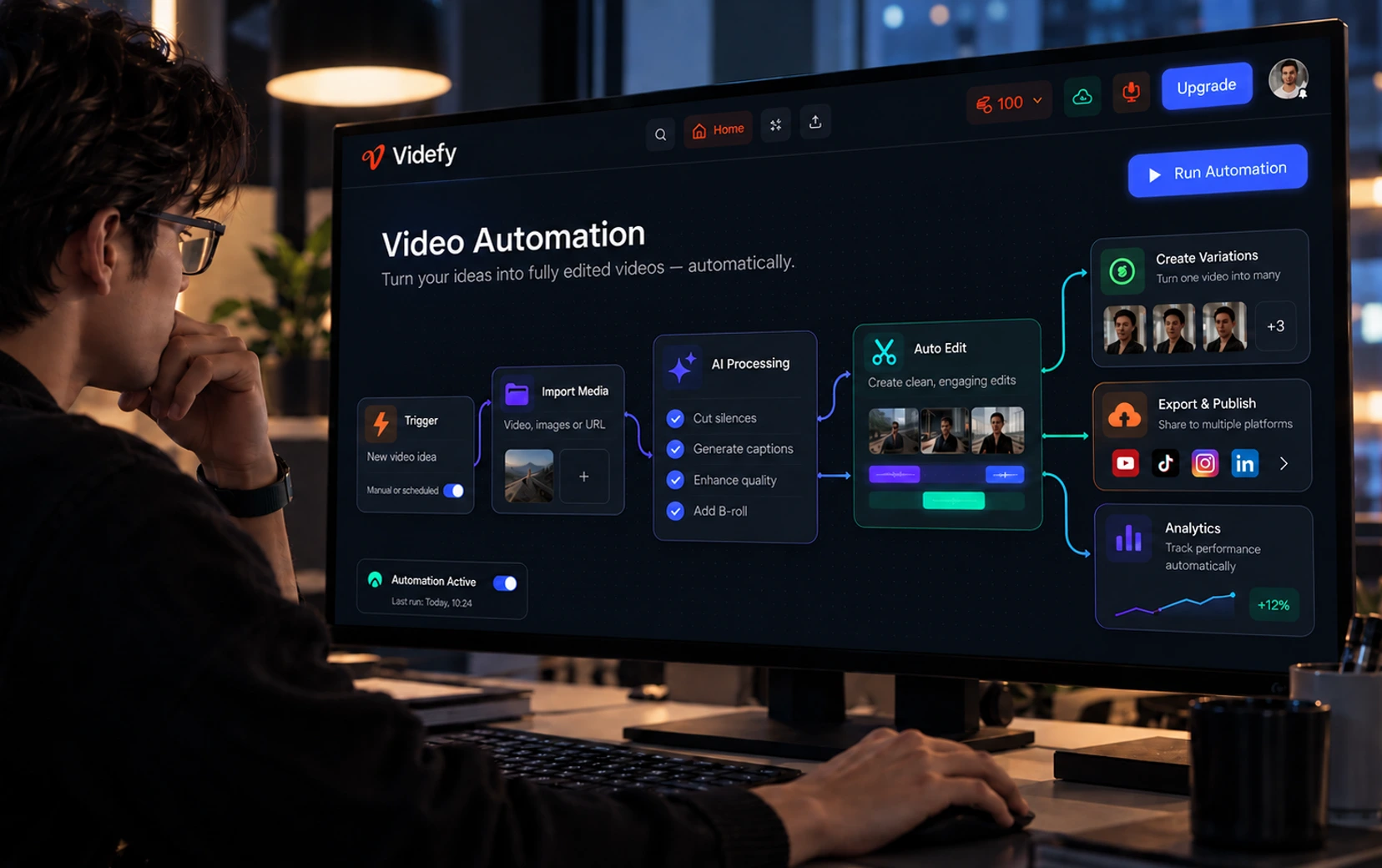
Videfy brings the entire video creation process into one browser workspace. Turn an idea or existing content into a finished video, with writing, visuals, voiceovers, subtitles, and editing together. Create with Lyra, your AI creative director, edit manually, or combine both. Make new versions without starting over.
Videfy is built for creators, professional editors, filmmakers, marketers, teams, and agencies. Use it for social content, ads, product videos, explainers, training videos, and film projects. Whether you’re making a single video or producing content regularly with a team, Videfy brings the work into one place so you can spend more time creating and less time moving between tools.
For many workflows, yes. Videfy brings scripting, asset generation, image editing, voiceovers, subtitles, audio tools, and video editing into one workspace. You can plan, create, edit, and export using your own media or AI-generated assets. This reduces the need to move files between separate tools as you work through each stage of a video.
No. Tell Lyra what you want to create, then refine the result with instructions or visual edits. You can work scene by scene without learning every editing tool first. When you want more detailed control, use the timeline to adjust timing, visuals, audio, and other elements yourself.
Create a free account and start with an idea, a script, an image, or an existing video. Tell Lyra what you want to make, or begin with the editing tools. If you’re starting with an idea, describe who the video is for, what it should communicate, and the style you have in mind. Review your scenes, make changes, and export when you’re happy with the result.
Yes. Start creating for free, with no credit card required. Free exports include a watermark. Paid plans offer more credits, additional features, and exports without a watermark. See Pricing for what’s included in each plan and its export limits.
Yes. You can create videos for business use, including ads, product promotions, and client projects, subject to your plan and the licenses for the content and AI models you use. You’ll also need the rights to any media you upload, including footage, images, music, and audio. See our Terms of Use for details.
Yes. Create vertical videos for TikTok, Instagram Reels, and YouTube Shorts, or horizontal videos for YouTube, film projects, and other uses. Choose the format that fits where you’ll publish. You can also adapt the content, pacing, voiceover, and subtitles for each platform rather than using the same version everywhere.
Yes. Create voiceovers and subtitles in multiple languages, or turn an existing video into a new language version. Keep your visuals when they work for the new audience, or generate new ones to adapt the content further. This lets you build on an existing video instead of producing each language version from scratch. The Videfy interface is currently available in English.
Yes. With a Team plan, your team can share a workspace and collaborate on projects. Give each teammate the access they need to view, comment, or edit. Writers, editors, and reviewers can contribute to the same project. Some team members can focus on creating and editing, while others review the work and leave feedback. Keeping feedback with the project reduces the need to pass files and track conversations across different tools. See Pricing for included seats and collaboration features.
No. Videfy works directly in your browser, so you don’t need to install a desktop application to get started.
Not yet. Videfy currently works in a web browser on a computer.